How to use Dreamwork
Short walkthroughs of everything Dreamwork can do, from your first upload to running applications at volume.
 8:26
New to Dreamwork? Start here
Get to know your dashboard, apply to matches, set up Autopilot, and manage recruiter replies.
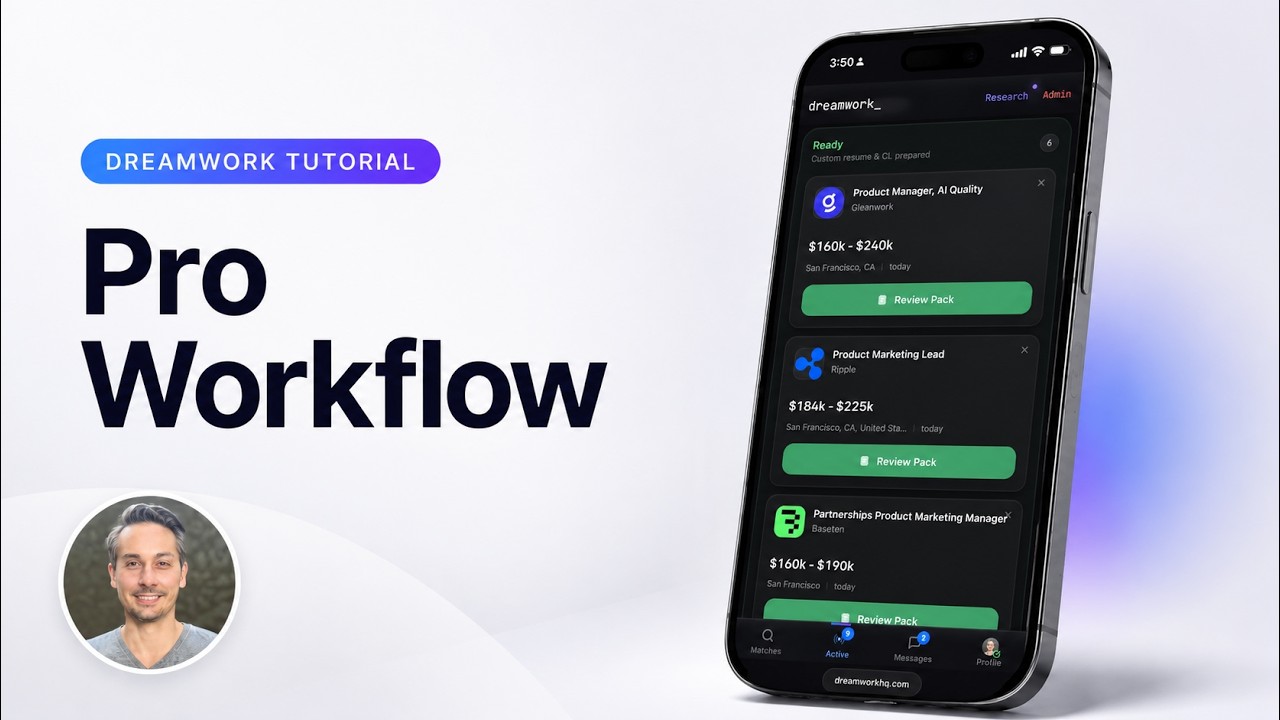 6:23
Pro Tutorial: Get hired faster
How power users run Dreamwork at volume without losing quality.
 1:45
Import any job on the internet
Turn any listing on the web into a tailored resume and cover letter.
 2:47
Sort & filter for maximum efficiency
Sort and filter your Matches feed to surface the exact roles you want, fast.
 3:13
How to Auto Apply
Let Dreamwork submit your applications for you, start to finish.
 2:28
How Autopilot works
Flip one switch and Dreamwork applies to your strongest matches for you.
How to apply to jobs with Dreamwork
- Upload your resume. Dreamwork reads your resume and ranks live openings against it, with a match score on every job. It crawls company career sites daily, so your matches are roles that are still open.
- Tap Apply on the roles you want. For each role, Dreamwork writes a tailored resume, cover letter, and answers to the employer's questions from your real experience.
- Send it, check it first, or turn on Autopilot. On a paid plan, Dreamwork sends the application as soon as it is written, or holds it for you to edit if you choose Review first. Autopilot applies to matches above your minimum match score without a per-application review, unless Review first is on, and pauses with one tap.
- The agent applies, and you can see every application. Dreamwork submits to the employer's application system and lets you know by email. If the employer's site needs an account, Dreamwork creates it with the email address the application is sent with, and you can see the login on that application. Every application lands in one pipeline, from sent to interview. If a site does not support automatic submit, your pack is ready for you to send yourself.
- Replies come back to you. Dreamwork moves each application through your pipeline as the employer responds. On a paid plan, recruiter replies land in a dedicated inbox inside Dreamwork, and you answer from there.
Questions about using Dreamwork
More answers, one question per page, are in the Dreamwork help center: how Autopilot works, what counts as an application, and what happens when a submission fails.
How do I start using Dreamwork?
Upload your resume as a PDF or DOCX file on the Dreamwork homepage. Dreamwork reads it and ranks live roles against it, with a match score on every job. You can see your matches before you create an account.
Is Dreamwork free?
Yes, to start. The Free plan includes unlimited matches and a tailored resume and cover letter for 5 jobs a day, which you send on the employer's site. Pro adds 50 applications a month, sent with Apply or Autopilot, and the recruiter inbox. Pro is $99 a quarter (about $33 a month) or $39 month to month. Dreamer is $379 a quarter (about $126 a month) or $149 month to month.
Does Dreamwork give refunds?
Except where required by law, payments are non-refundable. There are no refunds or credits for partially used periods, downgrades, or unused allowances, and Dreamwork does not prorate the unused part of a billing period when you cancel. If you think you were charged in error, email support@dreamworkhq.com within 30 days and Dreamwork will review the charge in good faith. You can cancel anytime, in the app or by email, and your paid features stay on to the end of the period you already paid for.
How does Dreamwork apply to jobs for me?
Tap Apply on a role and Dreamwork writes a tailored resume, a cover letter, and answers to the employer's questions. On Pro, the agent then fills in the employer's application form and submits it. To check each application before it goes, set your Apply button to Review first in settings. If a form cannot be submitted automatically, the pack stays ready for you to send yourself.
What is Autopilot?
Autopilot applies to roles from your matches without asking about each one, unless you turn on Review first, which holds each pick for you to send. It only picks roles that clear your minimum match score, 70% unless you change it, and that fit your role, work style, and location preferences. It sends up to 50 applications a month on Pro and 300 on Dreamer, and you can pause it anytime.
Which application systems can Dreamwork submit to?
The agent fills and submits application forms on Greenhouse, Ashby, Lever, Workday, SmartRecruiters, and iCIMS. Not every form goes through. When one does not, your resume, cover letter, and answers stay ready to paste into the employer's site.
What happens when an employer's site needs an account?
Some application portals, such as Workday and iCIMS, need an account before you can apply. Dreamwork creates it while it applies, using the email address the application is sent with. Once the account is confirmed, you can see the login on that application. Open the application from your Dashboard and choose Portal login, or choose Portal login (the key button) in its Messages thread. The password stays hidden until you choose Show password. If you sign in to the portal yourself later and it emails a verification code or password reset link from that employer or its application system, Dreamwork forwards it to your personal email. While Dreamwork is applying for you, or shortly after, it may hold a code instead, so if one doesn't arrive, request a new one a little later. If the application was sent from an email account you connected, the code arrives in that inbox directly. Verification codes don't appear in Messages.
Can I apply to a job I found somewhere else?
Yes. Paste the job's link into Import Job and Dreamwork builds a tailored resume and cover letter for that role. Automatic submit is off for imported jobs, so you download the resume as a PDF, copy the cover letter, and apply on the employer's site.
Does Dreamwork change the facts on my resume?
No. Each resume and cover letter is built from the experience you already have. Dreamwork changes emphasis and wording for the role, not the facts.
Can I stop Dreamwork introducing me to recruiters?
Yes. Recruiter introductions are on unless you turn them off. While they're on, recruiters can find an anonymized summary of your profile, and Dreamwork may introduce you to a recruiter or hiring manager for a relevant role and share your profile and resume with them. You can turn off Recruiter introductions yourself in Profile → Notifications, or ask support to do it. Turning it off stops future matching and introductions. It doesn't recall what was already shared.
How Dreamwork compares with other auto-apply tools
Each competitor cell comes from that company's own website, checked October 20, 2026. “Not verified” means we could not confirm it there. Prices and features change, so check before you buy.
| Feature | Dreamwork | Simplify | Jobright | AIApply | JobCopilot | LazyApply |
|---|---|---|---|---|---|---|
| Submits applications for you | Yes. On a paid plan, the agent fills in and submits the employer's form; Autopilot applies to matching roles on its own. | Yes, with Autopilot on Simplify+. The free Copilot extension autofills and you submit. Source | Yes. Jobright Agent advertises applying for you. Source | Yes. Auto Apply submits for you, from $49 a month for 100 applications. Source | Yes, from its web app. On other sites its extension autofills and you submit. Source | Yes. Its agent handles the whole application. Source |
| Review before each one is sent | Yes, if you turn on Review first, which holds Autopilot's picks too. By default one tap sends the application, and opt-in Autopilot sends without asking each time. | Not with Autopilot, which submits with no review step. With Copilot you submit yourself. Source | Not verified | You approve each job in Review mode; Hybrid holds only jobs scoring under 75. Documents can be checked after sending. Source | Yes. It can save applications for you to review first. Source | Not verified |
| Resume tailored to each job | Yes, for every role you apply to. | Yes, with Autopilot. Source | Yes. Source | A paid add-on, sent with no approval step before submission. Source | On the Elite plan. Source | 1, 5, or 20 resume profiles by plan; per-job tailoring is not described. Source |
| Cover letter for each job | Yes, and you can turn cover letters off. | With Autopilot, if you ask for one. Source | Has a separate generator that tailors one to a job you pick; one per application is not stated. Source | A $12-a-month add-on, as is the tailored resume. Source | Yes. Its AI tailors a cover letter for each job, or you upload a generic one. Source | Has a separate cover letter generator; one per job is not stated. Source |
| Runs from Claude or ChatGPT (MCP) | Yes. MCP server on npm and a hosted connector for Claude and ChatGPT. | No. Its site says no MCP server is published. Source | Not found on its site. Source | Yes. Connectors for Claude, ChatGPT, and Codex, read-only until you allow applying. Source | Not found on its site. Source | Not found on its site. Source |
| Free plan | Yes. Unlimited matches, and a tailored resume and cover letter for 5 jobs a day. | Yes. Simplify+ is $19.99 a week, $39.99 a month, or $89.99 for 3 months. Source | Yes, with daily free credits on every feature. A paid option adds unlimited use; its price is not on its product pages. Source | No free trial. A limited free tier covers the job board, saved jobs, two mock interviews, and a few cover letters. Source | No free plan shown. Paid plans start from $0.93 a day. Source | No free trial. Plans start at $99 a year. Source |
| Where it runs | Web app, plus any MCP client. | Web app and Chrome extension. Source | Web app and autofill extension. Source | Web app and an iPhone app. Source | Web app and Chrome extension. Source | Chrome extension with a dashboard. Source |
Last updated November 18, 2026. Dreamwork home · Blog