How to Auto Apply
Let Dreamwork submit your applications for you, start to finish.
Step by step
- 1Upload your resume to generate relevant, unsponsored matches.
- 2Tap Apply on a role you like.
- 3Dreamwork writes a tailored resume, cover letter, and answers for it.
- 4On Pro, the agent submits to the employer's ATS. If a form fails, you apply with the same materials.
- 5Choose Review first in settings to check and edit each application before it goes.
- 6Track status on your Dashboard; replies and offers route into Messages.
- 7Free: a tailored resume and cover letter for 5 jobs a day; you apply on the employer's site. Sending, Autopilot and Messages need Pro.
Transcript
From the video's YouTube captions, lightly edited for punctuation and filler words. Uploaded to YouTube on June 23, 2026.
0:00 All right, I'm going to show you just how easy it is to submit a job application on Dreamwork. And not just any job application, but a really high quality job application. So, I've already logged in here, and I've already uploaded a resume. As soon as you upload your resume, we're instantly going to show you hundreds of your best matches, right? We have no sponsor jobs, no ads.
0:17 So, this isn't companies coming to pay for the top posts like they do on LinkedIn or like they do on Indeed. It's just purely what the best job is for you. And then you have these filters up here. So you can edit those jobs and the location and all that stuff if you need to. But I'm going to go ahead and tap add here. This is just a test account.
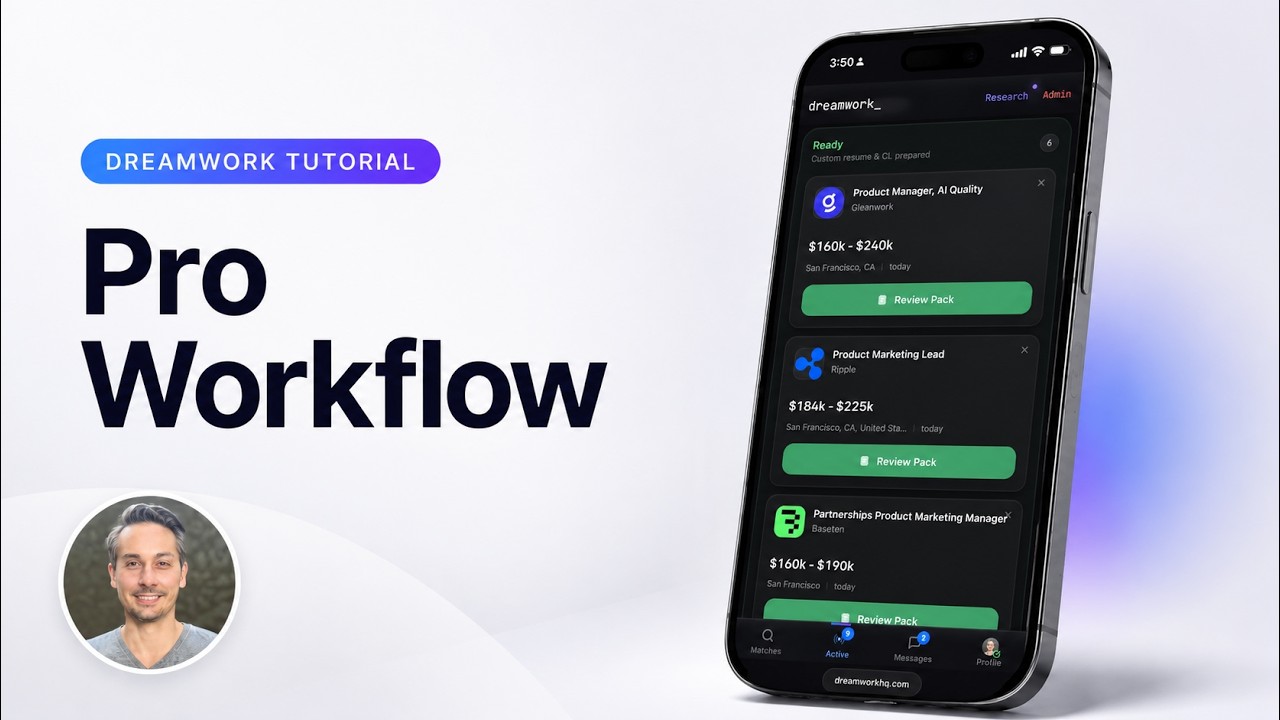
0:33 I'll add these two. And if I go into my active flow, you can see the two that I added are ready to have a pack generated. And now when I'm generating this pack, what's actually happening here is we're creating the cover letter and the resume based upon everything that we know about this company, everything about the job position, and everything we know about your resume. So, we're trying to optimize your chances of matching exactly what the recruiter is going to be looking for.
0:55 With this pack, we're also making it sound as human as possible, right? So, if I tap over into ready now, while those two packs are being generated, you'll see them here at the top. It takes roughly 20 to 25 seconds to do this each time. So, I'm going to go ahead and hit start application now that this first one is complete at Data Bricks. And as you can see, the resume is done here.
1:15 So, you can zoom in on the resume. You can tap through and see the second page. You can then go in and edit the resume if you'd like to. You probably should review your resumes, especially for the jobs you really care about. And then your cover letter as well. So, this is edited or this is all completed for you here. You should go ahead and read this.
1:34 Make sure that everything looks accurate to your history. This is where you can really personalize it and you should really personalize it, but we're just giving you that head start, right, by getting the letter done for you. And then also, we've pre-done the answers. Pre-written the answers. So again, this should be more like you doing 20% of your normal work. You're just editing. You're not having to create new things, which is awesome.
1:52 And then once you've reviewed all three, which is great, you can just go ahead and hit the apply now button. And then when you hit continue, that submission is started. And then everything is happening on the back end automatically. We're going to go ahead and submit that to the recruiters or to the ATS or wherever it needs to go. The success rate right now, if I'm being honest, is something like 60%.
2:10 If it fails, you can always go and submit manually. We're working on getting that success rate up to, you know, 95% or 100%, but there's a lot of nuances and we're a new platform. But once your application is submitted there, the next step is you go to your messages section here. Well, you can always see it, first of all, in your active. You can see where you've applied to, right?
2:31 So that's currently applying right now. But then if you go to your messages after the application is successfully submitted, we open up this conversation with the company, the recruiting company, and they're able to then send messages to you back and forth. So when you get your job interview, when they offer you an interview, it's going to come into your messages here. This instant or this auto apply feature and the messages feature do require a Pro.
2:55 You can do all of the pack generation stuff three times a day for free. So enjoy. And yeah, that's it. That's all it takes. And then you can go add more jobs, create more packs, and submit more applications to get a job as quickly as humanly possible. That's our goal here.
More Dreamwork tutorials



Last updated November 10, 2026. All tutorials · Dreamwork home